Corporate Event Technology Trends That Work
A corporate function can have an excellent venue, polished speakers and a strong guest list, yet still fall flat if the room feels disconnected. That is why corporate event technology trends are shifting away from gadgets for their own sake and towards tools that improve atmosphere, communication and participation. For organisers, the goal is not to put more screens in the room. It is to make every moment feel considered, from the first welcome through to the final song.
For conferences, awards nights, staff celebrations and product launches across Tasmania, technology also needs to be dependable. A feature that looks impressive online is not much use if it creates delays, needs specialist venue infrastructure or distracts from the people in the room. The strongest event technology choices support the run sheet, the brand and the guest experience at the same time.
Corporate event technology trends with real value
Integrated sound, lighting and visual production
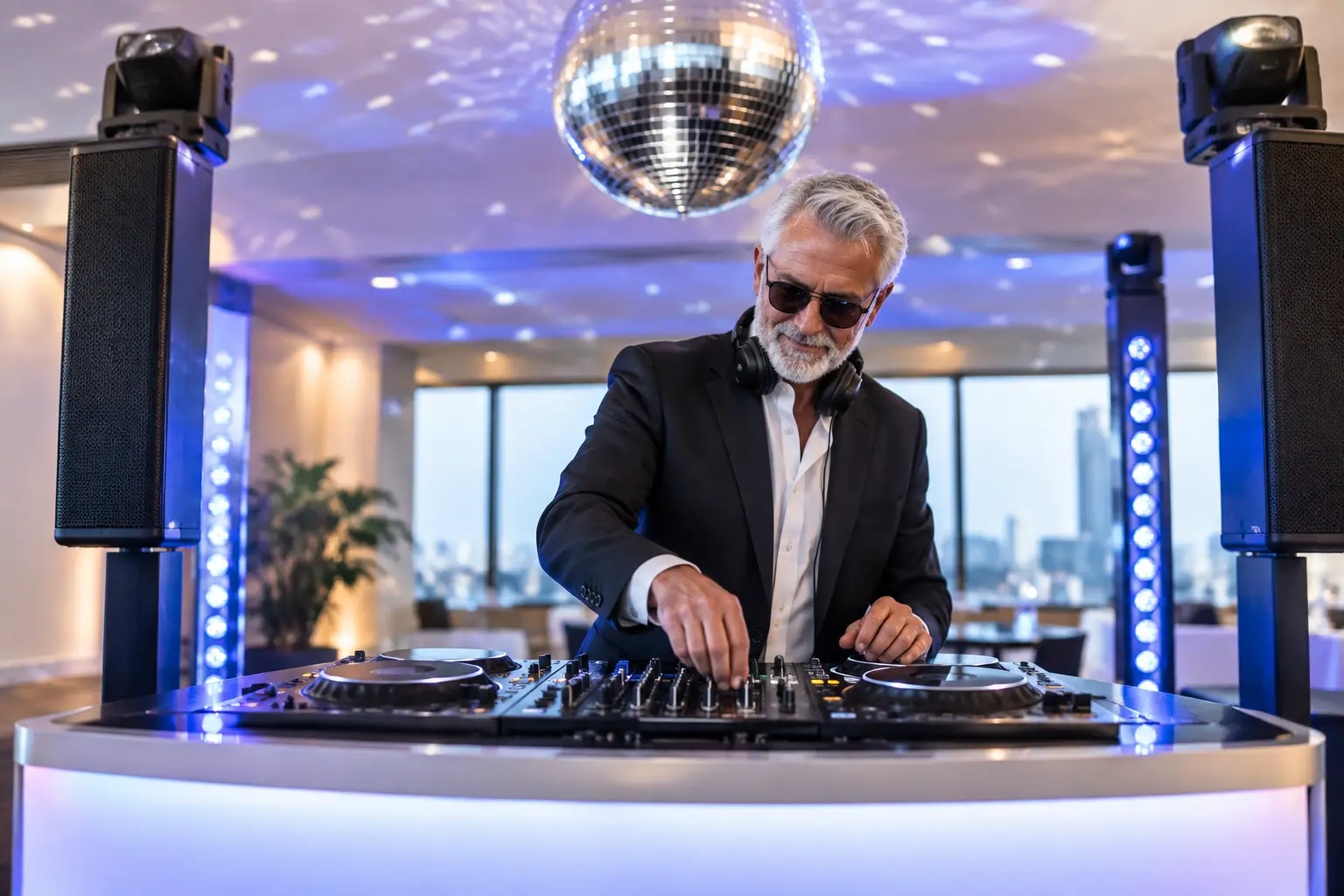
The biggest shift is towards connected production rather than separate technical elements. Audio, lighting, music, microphones, screens and host cues work best when they are planned as one event system. This gives a conference speaker clean, confident sound, then allows an awards presentation to build energy with walk-on music, stage lighting and visual stings without awkward pauses.
Lighting is doing more than making a room brighter. Uplighting can carry company colours around a ballroom, pin spots can draw attention to centrepieces or awards, and intelligent lighting can signal a change from formal presentation to celebration. It is a practical way to transform one venue across several parts of the program without relocating guests or rebuilding the room.
The trade-off is that bigger production requires careful site planning. Ceiling heights, room dimensions, available power, access times and bump-in conditions all affect what can be achieved. A good supplier asks these questions early, then designs a setup that looks sharp without swallowing valuable floor space.
LED screens and content designed for the room
Large-format displays continue to be valuable for presentations, video messages, sponsor recognition and live camera feeds. But the trend is not simply towards the largest possible screen. It is towards better content design. Slides made for a laptop often contain too much text, too many small charts or colours that disappear under event lighting.
For an audience to stay engaged, presentation visuals should be clean and easy to read from the back of the room. Short video openers, speaker name graphics and branded award slides can make the program feel more professional while giving guests clear visual cues about what is happening next.
In smaller rooms, a quality display or projection setup may be the smarter investment than an oversized LED wall. It depends on guest numbers, viewing distance, daylight and the importance of visual content to the event. Technology should suit the room, not compete with it.
Interactive moments that do not feel forced
Guests increasingly expect more than a passive seat-and-watch experience, especially at staff events and brand activations. Live polls, audience questions, digital voting and event apps can help people contribute during a session. Used well, these tools give presenters immediate feedback and make a keynote feel like a conversation rather than a broadcast.
The key is restraint. Asking guests to download an app for a two-hour dinner can create more friction than value. A simple QR code for voting, a text-based question tool or a host-led interaction may be all that is needed. The technology should remove barriers, not give guests another task to manage.
A confident MC remains central here. Technology can collect votes or display questions, but an experienced host reads the room, keeps the tone warm and knows when to move on. The best interaction has a human rhythm behind it.
Photo booths built for branded engagement
Photo booth experiences have moved well beyond novelty snapshots. At corporate events, they can create branded content, encourage networking and give guests something enjoyable to share after the night. Digital booths can add event overlays, logos and themed backdrops, while print options give people a physical takeaway from a gala or celebration.
For launches and public-facing activations, a booth can also provide useful insight into participation levels. For internal functions, its value is often simpler: it gets colleagues laughing together and captures the energy that formal event photography may miss.
Placement matters. Put the booth where guests can find it without blocking entry paths, bar service or the main program. It usually works best once the formal component has begun to wind down, when the room is ready to relax and socialise.
Hybrid access with a realistic purpose
Hybrid events remain useful, particularly when a business needs to include interstate teams, remote presenters or clients who cannot travel. Live streaming, remote speaker feeds and recorded sessions can extend the reach of a conference or briefing well beyond the venue.
However, hybrid production should be chosen for a clear reason. A camera at the back of a room with poor audio will not create a worthwhile experience for remote viewers. If online participation matters, plan for dedicated microphones, appropriate camera angles, reliable internet and a presenter who acknowledges both audiences.
For some events, recording keynote sessions for later viewing is more effective than attempting a fully live hybrid format. It reduces technical pressure during the program while still making important content accessible. The decision comes down to whether remote guests need to interact in real time or simply need access to the information.
The less visible technology that protects the event
The most valuable event technology is often the equipment guests never notice. Wireless microphones need frequency planning and fresh batteries. Audio systems need enough coverage for the whole room without overpowering tables near the speakers. Backup music, spare cables and a tested presentation laptop can save a program when a venue connection fails at the wrong moment.
Reliable power management is equally important. Corporate events can involve screens, lighting, audio, charging stations and catering equipment all drawing from the same building supply. A site check helps avoid overloaded circuits and prevents technical choices from being made on the fly.
This is where an all-in-one provider can make planning easier. Rather than coordinating separate DJs, sound technicians, lighting suppliers and photo booth operators, organisers can work with one team that understands the full flow of the event. AAA Mobile DJ Services brings that joined-up approach to corporate functions, combining entertainment with sound, lighting, hosting and guest engagement support.
AI and automation need a human filter
Artificial intelligence is appearing in event planning through content drafting, attendee communications, schedules and post-event reporting. It can save time on repetitive work and help organisers shape ideas quickly. Automated check-in tools and digital registration also reduce queues when they are configured well.
But automation should not replace judgement. An AI-generated run sheet still needs someone who understands travel times, venue access, meal service and the pace of a live audience. A generic playlist cannot respond to the mood in the room. A pre-programmed lighting sequence cannot always anticipate a presenter running over time or an awards recipient taking an emotional moment on stage.
Use automation to handle administration, then rely on experienced people for timing, tone and problem-solving. Guests remember how an event made them feel, not how many automated systems were running in the background.
Privacy, accessibility and guest comfort
As event technology becomes more interactive, organisers need to consider privacy. If guests are photographed, filmed or invited to share details through a registration platform, be clear about what will be collected and how content may be used. This is particularly relevant for branded photo activations and recorded conferences.
Accessibility deserves the same attention. Captions on video, readable slide design, appropriate microphone use and clear sightlines make an event more inclusive. Even simple decisions, such as avoiding a dark room during key networking periods or keeping walkways free of cables, improve comfort for everyone.
Technology also needs to respect attention. A room full of flashing screens and constant alerts can feel tiring rather than exciting. Strong event design creates contrast: focused moments for speakers, visual impact for key announcements, then space for guests to talk, eat and enjoy themselves.
Start with the event outcome, not the equipment list
Before choosing any technology, ask what guests should know, feel or do by the end of the event. An awards night may need dramatic walk-ons, clear winner announcements and a dance floor that fills quickly. A leadership conference may need crisp speech reinforcement, readable visuals and reliable remote access. A client celebration may benefit most from warm lighting, great music and a photo experience that carries the brand naturally.
That answer should guide every technical decision. When production is matched to the purpose of the function, technology stops being a distraction and becomes part of an unforgettable experience. The best next step is to share your event vision early with the people delivering it, so the atmosphere, equipment and timing are built around the moments your guests will remember.